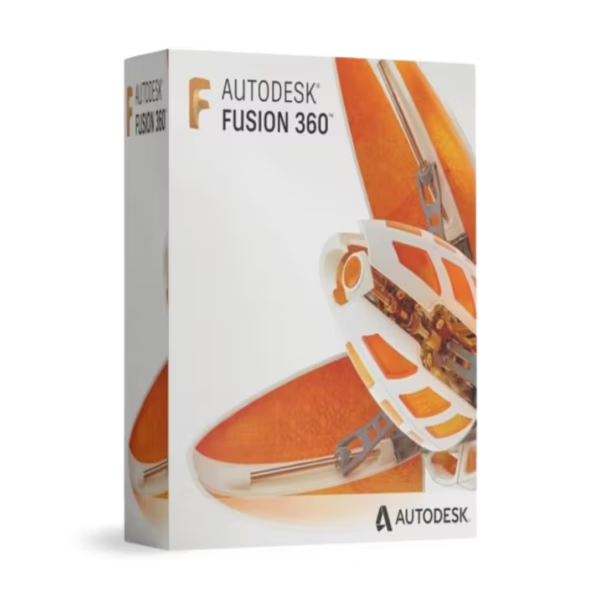
Autodesk Fusion 360 is a cloud-connected CAD/CAM/CAE platform for Windows and macOS, built for students, educators, and academic labs who need professional 3D design, simulation, and manufacturing tools. You receive a lifetime license positioning with instant digital delivery and 100% compliance with EU Directive 2009/24/EC for fully legal EU resale.
Overview of Autodesk Fusion 360
- Platform: Windows (64-bit) and macOS
- Edition: Fusion 360 (Educational)
- License Type: Educational
- Devices: 1 device
- License Duration: 1 Year / 3 Years
- Activation Method: Online activation
- Delivery: Instant digital delivery via email
- Support: Email and remote assistance
- Language Support: Multi-language
- Compliance: Fully legal resale under EU Directive 2009/24/EC
What Is Autodesk Fusion 360?
Autodesk Fusion 360 is an all-in-one product development platform that lets you design in 3D, validate ideas with simulation, and prepare models for manufacturing in a single workflow. If you are studying engineering, industrial design, or product development, Fusion 360 gives you access to the modern tools used in real-world design and manufacturing environments.
You work with parametric modeling, assemblies, technical drawings, and integrated CAM in one interface, supported by cloud-based collaboration and data management. If your focus is advanced 3D modeling and rendering rather than product engineering, you can also consider Autodesk 3ds Max. Discover more options in our Autodesk licenses category.
Included Features in Autodesk Fusion 360
- Parametric 3D Modeling: Design precise parts and assemblies with full control over dimensions and constraints.
- Assemblies & Joints: Simulate real-world motion and relationships between components.
- Integrated CAM: Generate CNC toolpaths directly from your 3D models.
- Simulation Tools: Validate designs with basic stress, motion, and fit analysis.
- 2D Drawings: Create manufacturing-ready technical drawings from 3D designs.
New Features in Autodesk Fusion 360
- Performance Enhancements: Faster modeling and smoother handling of complex assemblies.
- Improved Cloud Collaboration: More efficient sharing, commenting, and design review workflows.
- Enhanced Manufacturing Tools: Refined CAM strategies and improved post-processing reliability.
- Updated User Interface: Clearer navigation and more intuitive command access.
- Advanced Data Management: Better version control and project organization in the cloud.
Key Features & Benefits of Autodesk Fusion 360
Security & Compliance
Your license is delivered digitally with transparent documentation and is positioned as 100% legal under EU law, referencing Directive 2009/24/EC. This ensures a compliant and trustworthy purchase process.
Performance & Virtualization
You benefit from optimized performance and cloud-assisted workflows that allow you to manage complex designs efficiently, even on academic hardware setups.
Remote Access Tools
If you need help with installation or activation, remote activation support is included, ensuring you can complete setup quickly and correctly.
Productivity & Efficiency
You can move seamlessly from concept to production by modeling, simulating, documenting, and preparing manufacturing data in one platform—reducing errors and saving time.
One-Time Ownership
You receive a fixed-term Educational license (1 year or 3 years) with no subscription or renewal during the licensed period, combined with instant digital delivery and expert support.
How to Activate Your Autodesk Fusion 360 License
- Download the software
- Install it on your device
- Go to Settings > Activation
- Enter your product key and activate online
Why Buy Autodesk Fusion 360 from Digital License?
- Instant delivery via email within minutes
- Flexible license duration (1 year or 3 years)
- Remote support and installation help included
- 100% legal resale under EU Directive 2009/24/EC
- Refund guarantee if activation fails
FAQs About Autodesk Fusion 360
- What if the Educational license does not activate?
- If activation fails, our remote activation support team will assist you. If the issue cannot be resolved, you are covered by a full refund guarantee.
- Is this a lifetime license?
- This offer provides a fixed-term Educational license for 1 device (1 year or 3 years). During the license period there is no subscription or renewal.
- Is the license legal for EU customers?
- Yes. The license is positioned as 100% legal under EU law with reference to Directive 2009/24/EC.
- Will I receive my activation details immediately?
- Yes. You receive instant digital delivery via email with activation instructions.
- Do I need to pay monthly or yearly fees?
- No. You pay once for the selected license term, with no subscription or renewal during validity.
- Can you help me install and activate Fusion 360?
- Yes. We provide step-by-step guidance and remote activation support to ensure a smooth setup.
Installation & Support for Autodesk Fusion 360
- Official product key sent via email
- Secure download link from Microsoft or our servers
- Step-by-step instructions included
- Remote setup help available
- Buy with confidence from a verified EU software license reseller
What Does “Educational” Mean?
An Educational license is intended exclusively for learning and teaching purposes. It allows students and educators to use Autodesk Fusion 360 for coursework, training, and academic projects with a fixed license term (1 year or 3 years), instant digital delivery, and remote activation support, while referencing Directive 2009/24/EC for EU compliance language.










Reviews
There are no reviews yet.