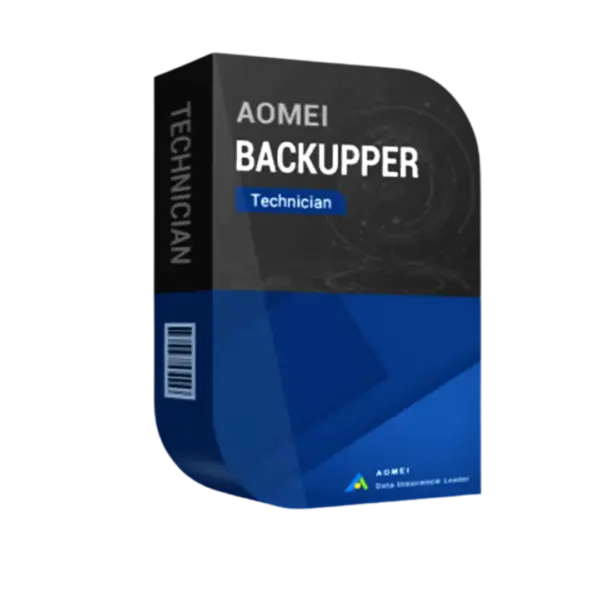
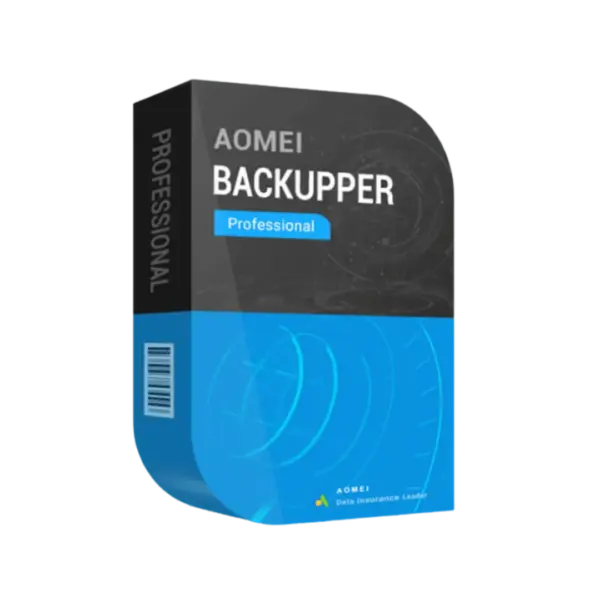
AOMEI Backupper Technician Edition is a professional backup solution designed for IT technicians, managed service providers, and businesses handling multiple systems. Enjoy instant digital delivery, flexible lifetime usage options, and a reliable one-time purchase model without recurring subscription costs.
Protect critical infrastructure, automate backup operations, and perform advanced recovery tasks using a secure and efficient platform built for professional environments.
Overview of AOMEI Backupper Technician Edition
- Platform: Windows
- Edition: Technician
- License Type: Retail
- Devices: Unlimited Device
- License Duration: 1 Year/ Lifetime
- Activation Method: Online activation
- Delivery: Instant digital delivery via email
- Support: Email and remote assistance
- Language Support: Multi-language
- Compliance: Genuine software licenses sourced through compliant distribution channels in line with EU laws (EU Directive 2009/24/EC) and industry standards.
Key Features
- System Image Backup – Create complete operating system backups to ensure rapid recovery after system crashes or hardware failures.
- Universal Restore Technology – Restore backups to different hardware configurations without compatibility issues, simplifying migrations.
- Advanced Disk Cloning – Clone HDDs and SSDs efficiently for workstation upgrades and fast deployment scenarios.
- Automated Backup Scheduling – Configure scheduled backups to maintain continuous protection without manual work.
- Incremental and Differential Backup – Reduce storage usage and accelerate backup speed by saving only modified files.
- PXE Network Boot Recovery – Restore computers through network environments without needing physical recovery media.
- Portable Technician Toolkit – Launch backup tools directly from removable devices for efficient onsite technical support.
Main Features Explained
Universal Restore
Universal Restore enables backup recovery on different hardware platforms. This is essential for IT professionals replacing failed systems or migrating environments quickly.
Incremental Backup Engine
This feature stores only newly changed data after the initial backup, helping businesses save storage space while improving backup performance.
SSD and HDD Cloning
Disk cloning functionality simplifies operating system migration, allowing users to move installations and files to new storage drives without reinstalling software.
Bootable Rescue Environment
Create recovery media that can restore systems even when Windows fails to start, improving disaster recovery reliability.
Portable Technical Deployment
The portable version allows technicians to carry and run the software on multiple customer systems without repeated installation procedures.
Why Choose AOMEI Backupper Technician Edition?
AOMEI Backupper Technician Edition is ideal for IT support companies, technicians, enterprise administrators, and service providers who require scalable backup and recovery management. Its advanced automation, cloning, and recovery tools help reduce downtime while improving operational efficiency.
Businesses looking for reliable backup and data recovery software benefit from secure protection, centralized backup management, and simplified disaster recovery workflows.
Compared to AOMEI Backupper Server, the Technician Edition supports unlimited client devices and broader commercial deployment scenarios for professional technical services.
For advanced partition management and disk optimization, professionals may also consider AOMEI Partition Assistant Technician for enhanced storage administration.
AOMEI Backupper Technician Edition vs Alternatives
AOMEI Backupper Technician Edition provides more flexible commercial usage rights and unlimited device support compared to standard or server-focused editions. While Server Edition targets Windows Server infrastructures, the Technician Edition is better suited for technical support operations managing multiple business environments.
Users requiring dedicated server partition management may additionally evaluate AOMEI Partition Assistant Server Edition for specialized server optimization tools.
System Compatibility
This software supports Windows 11, Windows 10, Windows 8, Windows 7, and Windows Server environments. It is fully compatible with modern HDD and SSD storage systems, including UEFI and legacy BIOS configurations.
License Type Explanation
Retail License allows activation for professional commercial usage with permanent access depending on the selected version. Lifetime editions remain valid after activation with a single purchase and no subscription fees.
This licensing model is suitable for technicians and IT businesses requiring advanced deployment flexibility and long-term backup management tools.
Installation & Activation
- Complete your secure purchase through our website.
- Receive activation details instantly via email delivery.
- Download and install the software on your Windows system.
- Open AOMEI Backupper Technician Edition.
- Activate the software using the provided credentials.
- Configure backup schedules, cloning tasks, and recovery settings immediately.
Why Buy From Us
We deliver trusted software solutions with fast activation, secure purchasing, and dedicated customer support for professionals and businesses.
- Authentic software licenses sourced from compliant distribution channels
- Secure payment systems with protected checkout processing
- Professional technical support through email and remote assistance
- EU law compliance aligned with industry standards
- Instant digital access for immediate deployment
Trust Section
Digital License supplies secure and reliable software solutions for IT professionals, enterprises, and advanced users across Europe. Every purchase includes verified activation methods and responsive customer assistance.








Reviews
There are no reviews yet.