It is a practical choice for offices, freelancers, students, and home users. With a one-time purchase, you can manage daily PDF tasks on one Windows device.
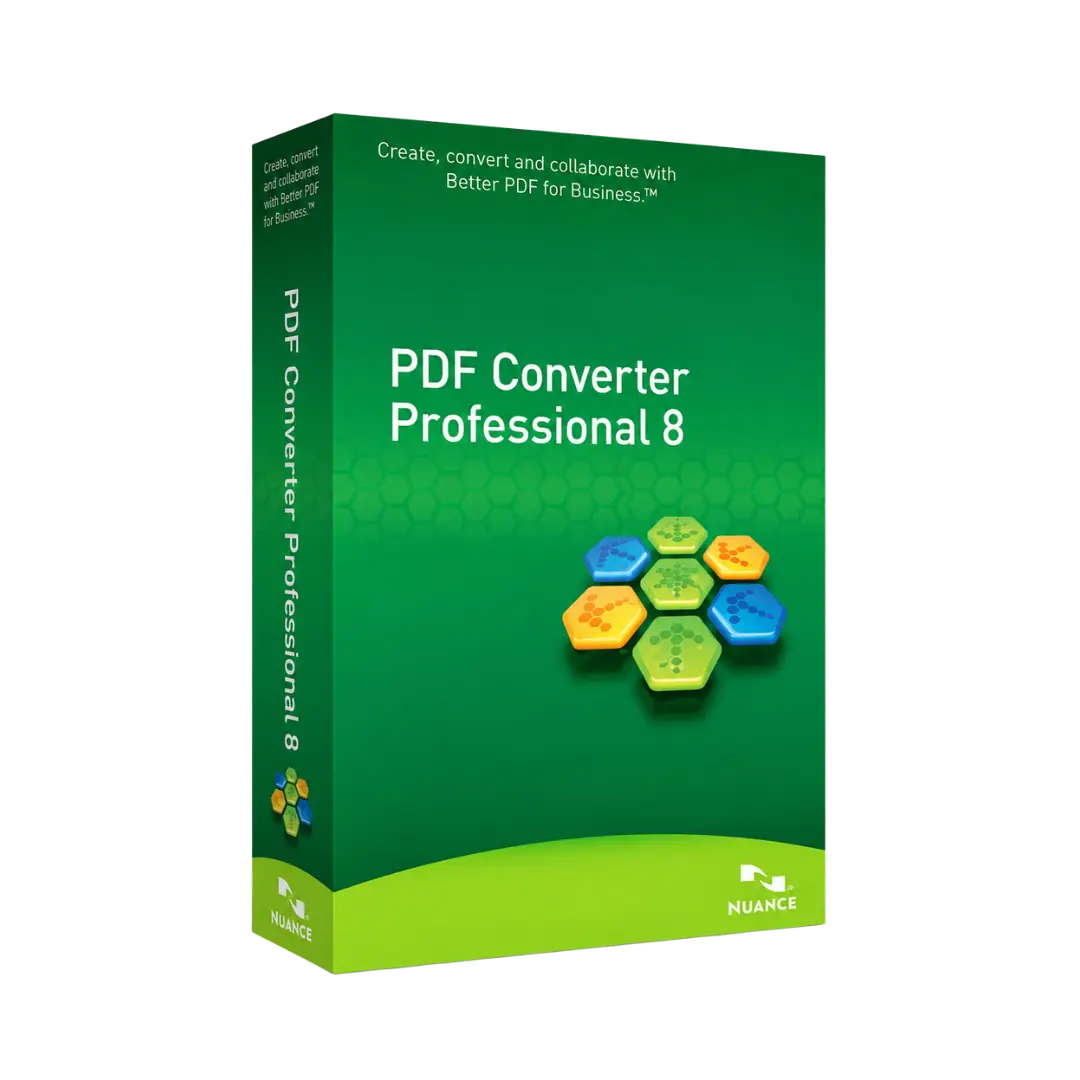
Overview of Nuance PDF Converter Professional 8
- Platform: Windows 10/ 11
- Edition: Professional
- License Type: Retail
- Devices: 1 Device
- License Duration: Lifetime
- Activation Method: Online activation
- Delivery: Instant digital delivery via email
- Support: Email and remote assistance
- Language Support: Multi-language
- Compliance: Genuine software licenses sourced through compliant distribution channels in line with EU laws (EU Directive 2009/24/EC) and industry standards.
Key Features
- PDF file creation: Create professional PDF files from common office documents. This helps you share files in a clean and consistent format.
- Accurate PDF conversion: Convert PDF files into editable formats. As a result, you can reuse text and layouts without starting again.
- Practical editing tools: Edit PDF content, correct mistakes, and adjust pages. This saves time when working with reports, forms, and contracts.
- Searchable documents: Make PDF content easier to search. This is useful for invoices, scanned files, archives, and business records.
- Page organization: Arrange, combine, and manage PDF pages. Therefore, your documents stay clear and ready to share.
- Professional workflow: Handle key PDF tasks in one solution. This reduces the need to switch between several tools.
- Lifetime access: Use the software on one activated Windows computer without monthly or yearly fees.
Main Features Explained
PDF Conversion
PDF conversion lets you turn PDF files into editable documents. This is helpful when you need to update old files or reuse existing content.
For example, you can work with reports, contracts, forms, and client documents more efficiently. It also reduces manual typing.
PDF Creation
PDF creation helps you make PDF files from everyday office documents. These files are easier to send, print, and archive.
This matters because PDF files keep a stable layout. As a result, your documents look professional when shared with clients or colleagues.
Document Editing
Document editing allows you to correct and update PDF files. You can make changes without recreating the entire document.
This is useful for proposals, manuals, invoices, and internal paperwork. It helps you finish document tasks faster.
Searchable PDF Files
Searchable PDF files help you find text quickly inside documents. This is important when working with large files or scanned paperwork.
Businesses can use this feature to manage records, invoices, legal files, and customer documents more easily.
Organized PDF Workflow
Nuance PDF Converter Professional 8 brings core PDF tasks into one organized PDF workflow. You can create, convert, edit, and prepare documents from one place.
As a result, your work becomes faster and more structured.
Why Choose Nuance PDF Converter Professional 8?
Nuance PDF Converter Professional 8 is built for users who need reliable PDF software without recurring payments. It suits offices, administrators, accountants, consultants, students, and small businesses.
It is ideal for creating business files, editing PDF content, converting documents, and organizing digital paperwork. In addition, it is simple enough for everyday use.
Users comparing tools in PDF document management software can choose this product for practical PDF control and lifetime access. It offers a clear balance between value, usability, and professional document handling.
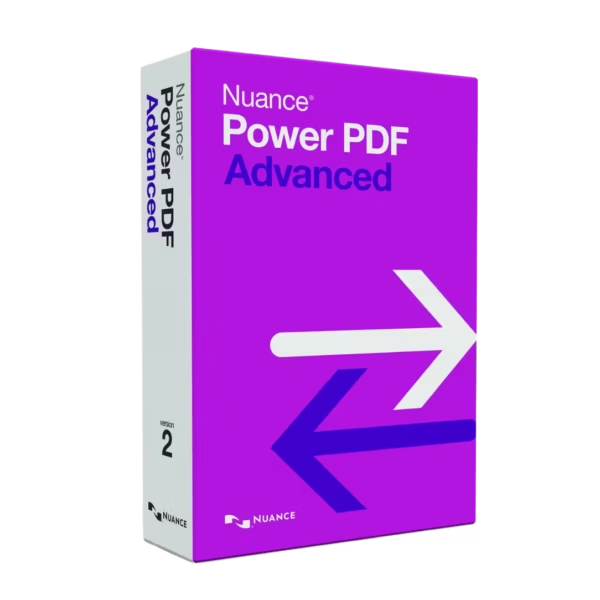
You can also compare it with Nuance Power PDF Advanced 2.1. That option may suit users who need a newer PDF platform with more advanced business tools.
For a wider Nuance workflow, users who manage scanned files may consider Nuance PaperPort Professional 14.5. Voice productivity users can also explore Nuance Dragon Professional Individual 14. For advanced OCR work, Nuance OmniPage 19.2 Ultimate may also be useful.
Nuance PDF Converter Professional 8 vs Alternatives
Basic PDF readers are mainly used to open and view files. Nuance PDF Converter Professional 8 gives you more control because it supports PDF editing, conversion, creation, and organization.
Compared with Nuance Power PDF Advanced 2.1, this product is a practical choice for users who need classic PDF conversion and editing tools. Nuance Power PDF Advanced 2.1 is better for users who want a newer business-focused PDF solution.
Compared with PaperPort, this software focuses more on direct PDF file work. PaperPort is better suited for users who need desktop document organization and scanned file management.
System Compatibility
Nuance PDF Converter Professional 8 is made for Windows 10 and Windows 11. Before installation, make sure your system is updated.
You also need an internet connection for online activation. The product is intended for one Windows computer only.
License Type Explanation
This product includes a Retail license for one computer. It is a one-time purchase with lifetime usage after activation.
The license can be installed and activated only once on one device. It cannot be transferred to another computer after activation.
If the software is uninstalled, or if the device is formatted, the license is lost. However, once activated correctly, it does not expire on that device.
Installation and Activation
- Complete your order and receive the product details by email.
- Download the software using the instructions provided after purchase.
- Run the installer on your Windows 10 or Windows 11 computer.
- Follow the setup steps shown on your screen.
- Activate online when the software asks for activation.
- Start using the software to edit, convert, and manage PDF files.
Why Buy From Us
Digital License provides genuine software licenses with secure payment, fast delivery, and helpful support. We focus on a simple buying experience and clear product information.
- Genuine licenses: Receive authentic software from compliant distribution channels.
- Secure payment: Complete your order through protected checkout methods.
- Fast delivery: Get your product details by email shortly after purchase.
- Helpful support: Receive email and remote assistance for setup and activation.
- Legal compliance: Licenses are supplied in line with EU laws, including EU Directive 2009/24/EC, and industry standards.
Trust Section
Choose Nuance PDF Converter Professional 8 from Digital License with confidence. We provide clear product details, secure transactions, reliable support, and compliant software sourcing.
Our goal is to help you activate your software smoothly and start working without delays.









Reviews
There are no reviews yet.