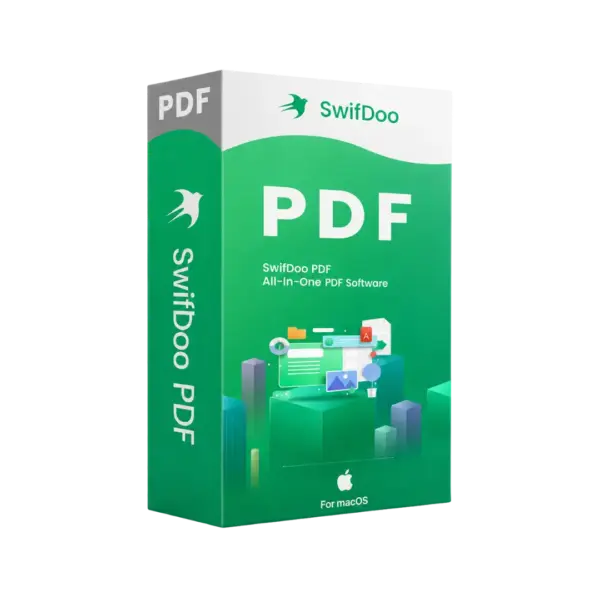
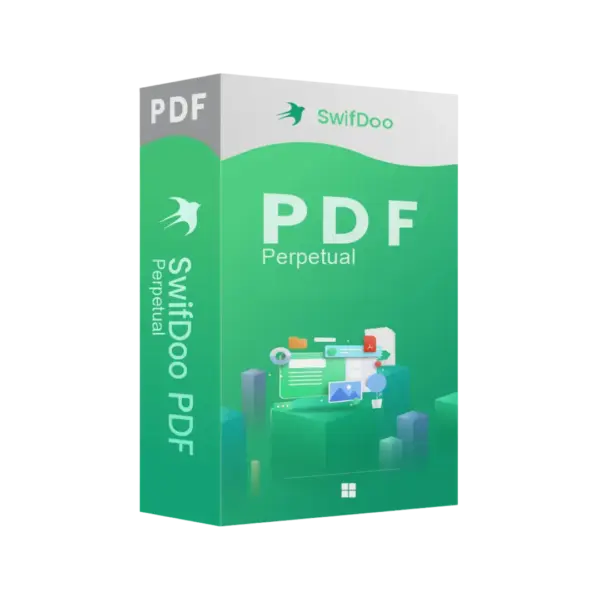
Swifdoo pdf for Mac is a powerful PDF management solution designed for MacOS users who need advanced document editing, conversion, annotation, and organization tools in one streamlined platform. Enjoy instant digital delivery, flexible license durations including lifetime access, and a professional experience without complicated setup processes.
Whether you work with contracts, reports, academic documents, or business files, Swifdoo pdf for Mac helps you manage PDFs efficiently while maintaining speed, security, and compatibility across your workflow.
Overview of Swifdoo pdf for Mac
- Platform: MacOS
- Devices: 1 Device/ 2 Devices
- License Duration: 1 month/ 3 months/ 1 Year/ 2 Years/ Lifetime
- Activation Method: Online activation
- Delivery: Instant digital delivery via email
- Support: Email and remote assistance
- Language Support: Multi-language
- Compliance: Genuine software licenses sourced through compliant distribution channels in line with EU laws (EU Directive 2009/24/EC)
and industry standards.
Key Features
- Advanced PDF editing tools allow users to modify text, images, and layouts directly inside PDF documents, reducing the need to recreate files from scratch.
- Fast PDF conversion enables seamless transformation of PDFs into Word, Excel, PowerPoint, and image formats for easier editing and sharing.
- Annotation and markup features help users highlight important sections, add comments, and collaborate efficiently on professional documents.
- PDF compression technology reduces file sizes while preserving document quality, making files easier to store and send by email.
- Secure document protection supports password encryption and permission settings to help safeguard confidential files.
- Batch processing functionality improves productivity by allowing users to manage multiple PDF files simultaneously.
- Optimized MacOS performance delivers smooth navigation, fast loading times, and stable document handling on Apple devices.
Main Features Explained
PDF Editing
Swifdoo pdf for Mac allows users to edit existing PDF documents without converting them to other formats first. This helps save time and maintain professional formatting across contracts, reports, and presentations.
Document Conversion
The built-in conversion tools make it easy to transform PDFs into editable Office documents and other popular file types. This feature is essential for users who frequently work with shared business files.
Annotation and Collaboration
Users can highlight text, insert comments, and mark important sections inside documents. These tools simplify team collaboration, project reviews, and document approvals.
PDF Security
Password protection and file permission settings help secure sensitive business and personal information. This is especially important when handling confidential documents.
File Compression
The compression feature helps reduce PDF size without significantly affecting quality, improving file sharing and cloud storage efficiency.
Why Choose Swifdoo pdf for Mac?
Swifdoo pdf for Mac is an excellent solution for professionals, students, freelancers, and businesses that regularly work with PDF files on MacOS. Its combination of editing, conversion, annotation, and protection tools makes it suitable for daily office tasks, legal documentation, academic projects, and digital workflows.
Users looking for additional PDF and document management solutions can explore our collection of PDF document management software designed for productivity and professional document handling.
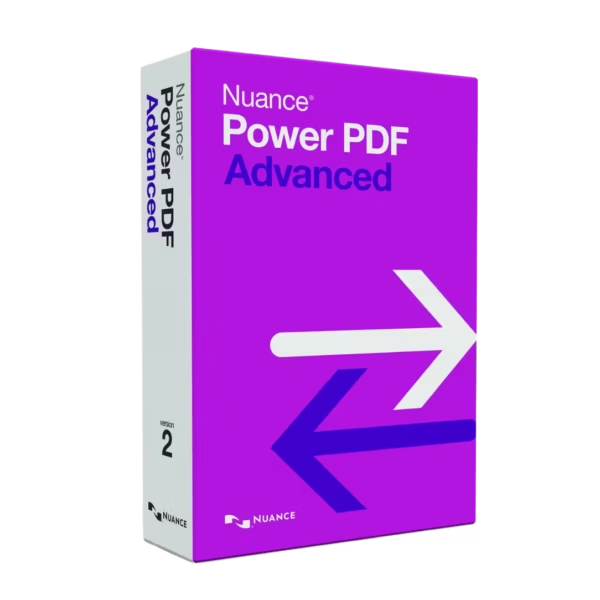
Compared to Nuance Power PDF Advanced 2.1, Swifdoo pdf for Mac focuses on lightweight performance and an intuitive interface optimized specifically for MacOS users.
For users who also require advanced office productivity applications, Microsoft Office 2024 Standard Mac complements PDF workflows with professional document, spreadsheet, and presentation tools.
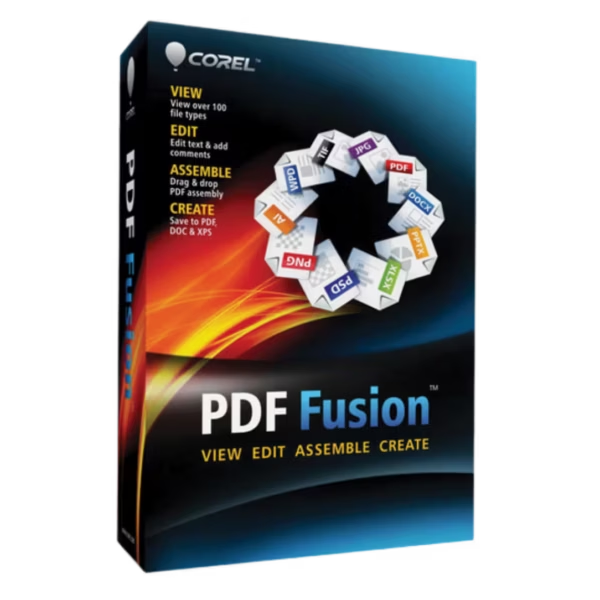
Users searching for alternative PDF management software may also consider Corel PDF Fusion, which provides additional document assembly and PDF creation capabilities.
Swifdoo pdf for Mac vs Alternatives
Swifdoo pdf for Mac offers a lightweight and efficient PDF management experience designed specifically for MacOS environments. Unlike heavier enterprise-focused PDF software, it emphasizes speed, usability, and practical productivity tools.
- Swifdoo pdf for Mac: Ideal for users seeking a fast, intuitive, and flexible PDF editor for everyday professional use.
- Nuance Power PDF Advanced 2.1: More focused on enterprise workflows and advanced corporate document management.
- Corel PDF Fusion: Better suited for combining multiple file types into unified PDF documents.
System Compatibility
Swifdoo pdf for Mac is designed specifically for compatible MacOS devices, including MacBook Air, MacBook Pro, iMac, and other Apple systems. The software delivers stable performance and responsive PDF handling optimized for the Mac environment.
Its lightweight design helps maintain fast document processing while supporting professional and personal productivity workflows.
License Type Explanation
Swifdoo pdf for Mac is available with multiple subscription duration options, including monthly, yearly, and lifetime access depending on the selected plan. Users can choose the option that best matches their workflow requirements and device usage.
The software supports secure online activation and provides long-term usability for document editing, PDF management, and productivity tasks on supported MacOS systems.
- Flexible duration options for different user needs
- Lifetime access available for long-term productivity
- Online activation for quick setup
- Professional PDF management tools for daily workflows
Installation & Activation
- Complete your purchase securely through our website.
- Receive activation details and instructions instantly via email.
- Download Swifdoo pdf for Mac using the provided installation guide.
- Install the software on your compatible MacOS device.
- Activate the product online using the supplied credentials.
- Start editing, converting, and managing PDF documents immediately.
Why Buy From Us
Digital License provides professional software solutions with secure transactions, fast delivery, and dependable customer support for every purchase.
- Genuine software licenses
- Secure payment processing
- Instant digital delivery
- Email and remote assistance support
- Compliance with EU laws (EU Directive 2009/24/EC) and industry standards
Trusted Digital Software Store
We focus on delivering reliable digital software products that help individuals and businesses improve workflow efficiency, document management, and productivity with secure and compliant solutions.
Frequently Asked Questions
How will I receive Swifdoo pdf for Mac?
Your activation details and installation instructions are delivered instantly via email after purchase.
Can I use Swifdoo pdf for Mac on multiple devices?
Yes. Device availability depends on the selected plan option.
Is online activation required?
Yes. The software uses online activation for secure and fast setup.
Does the software support PDF editing?
Yes. You can edit text, images, annotations, and other PDF elements directly inside documents.
Can I convert PDFs into Office formats?
Yes. The software supports conversion to multiple editable document formats.
Is Swifdoo pdf for Mac compatible with MacOS?
Yes. The software is specifically optimized for supported MacOS devices.
Do you provide customer support?
Yes. Email and remote assistance support are included.
Is the software compliant with EU regulations?
Yes. The licenses are sourced through compliant distribution channels aligned with EU Directive 2009/24/EC and industry standards.









Reviews
There are no reviews yet.